iOS · iPadOS · watchOS
The sky, as it isright now.
Nimbus draws the sky you’re actually standing under, with the sun or moon above the horizon and the forecast just below it, where it’s easy to read.
The idea
Sun above.Ground below.Numbers whereyou read them.
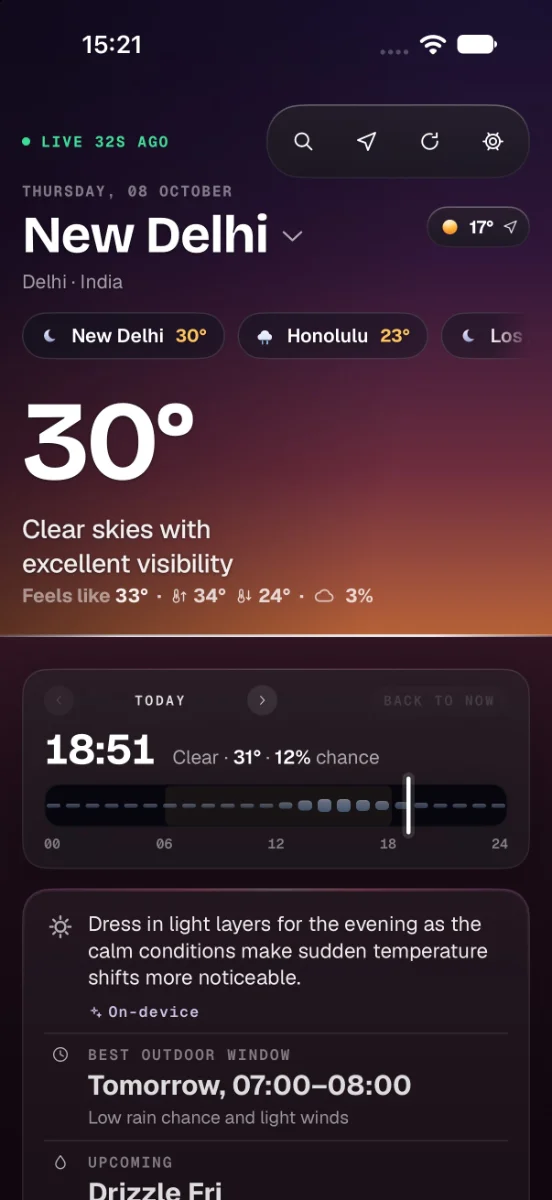
Most weather apps are a table with a photo behind it. Nimbus is a horizon: the light lives above the line and the forecast below it, so you take in both at a glance.
iPhone · Cape Town, sunrise
The sun, coming up at 05:57.
Drawn as a lit sphere rising from behind the ground, laying a path of light across it. Below the line: the day’s advice and the best hour to head out.
iPhone · Sydney, after midnight
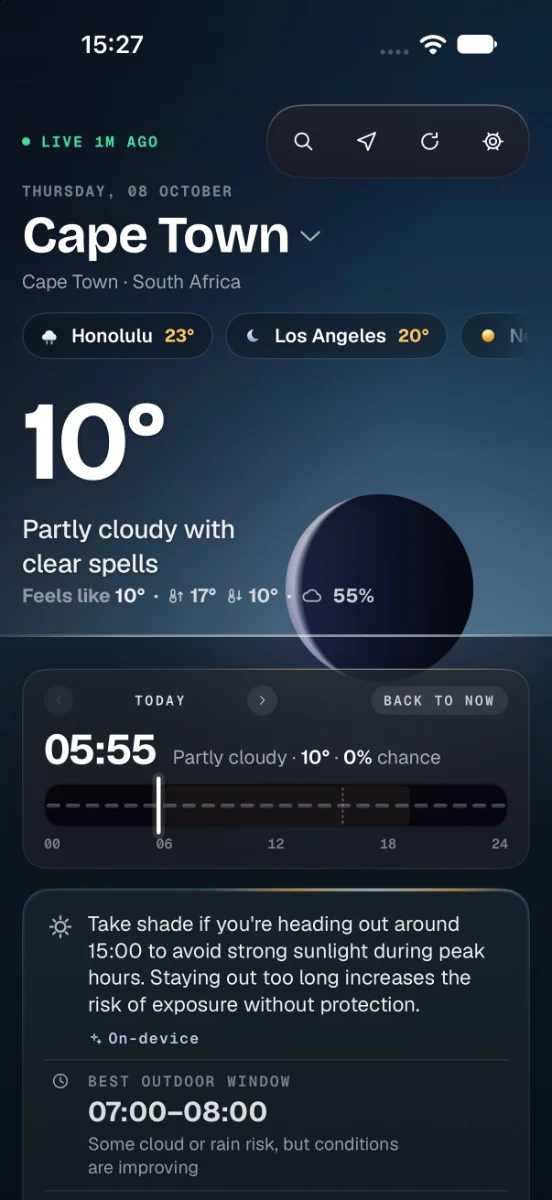
Night, clear to the horizon.
Stars above the line, the forecast below it. Scrub through the day and the sky follows your finger, hour by hour, with a tick you can feel: 00:25, partly cloudy, 15°, 0% chance of rain.
iPhone · Seattle, rain
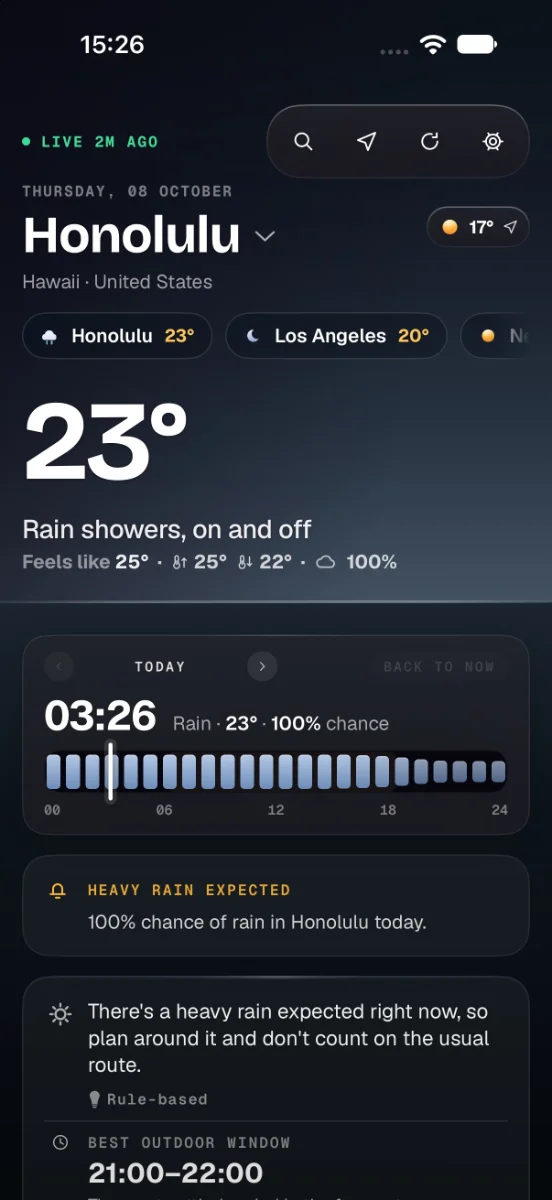
Rain you can see, hour by hour.
The rain falls across the sky and splashes on the ground, and Scrub the Day shows how heavy each hour will be, so you know when to go and when to wait it out.
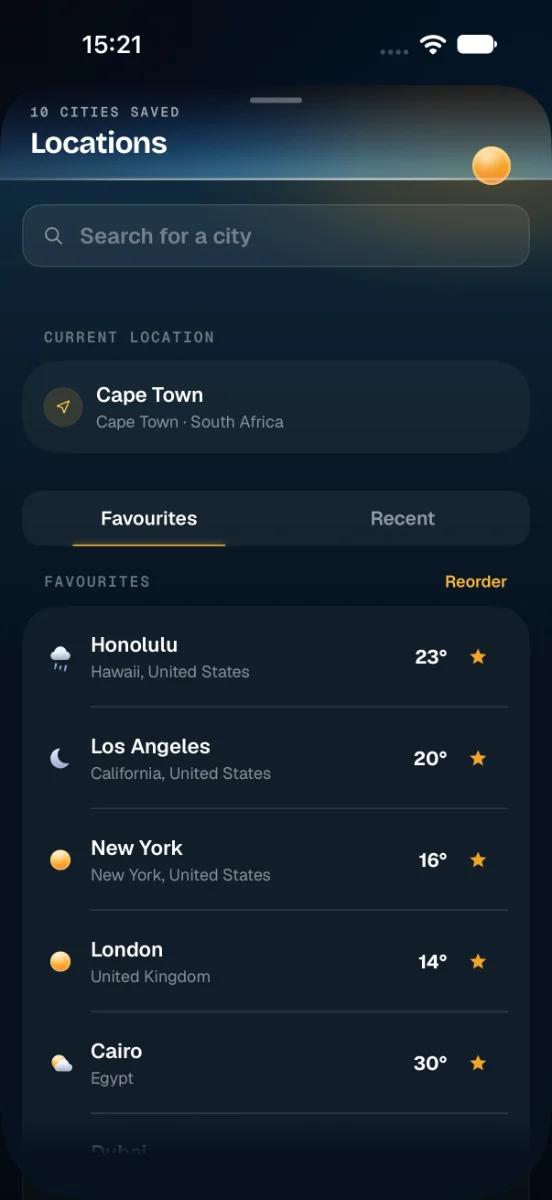
iPhone · Locations
Every city, one tap away. Home stays put.
Save the places you care about, each with its own live conditions, and set one as Home so it stays pinned wherever you travel. The sheet slides up over the sky, so you never lose your place.
The film · iPhone
See it move.
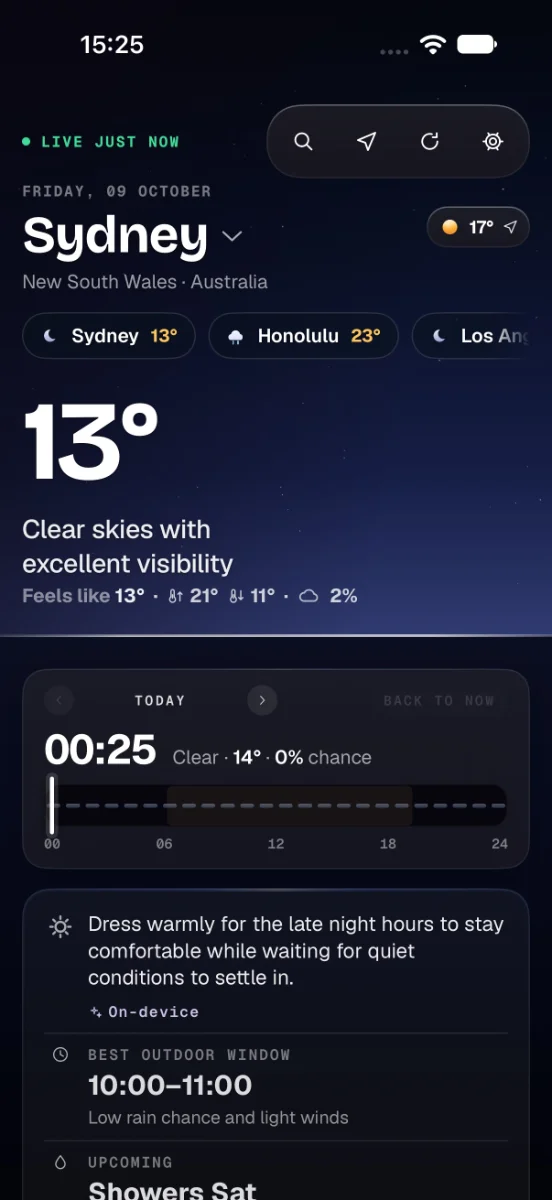
One phone and a day of weather: the live sky, the hours ahead, the ten-day, rain on its way, your widgets and every city you’ve saved.
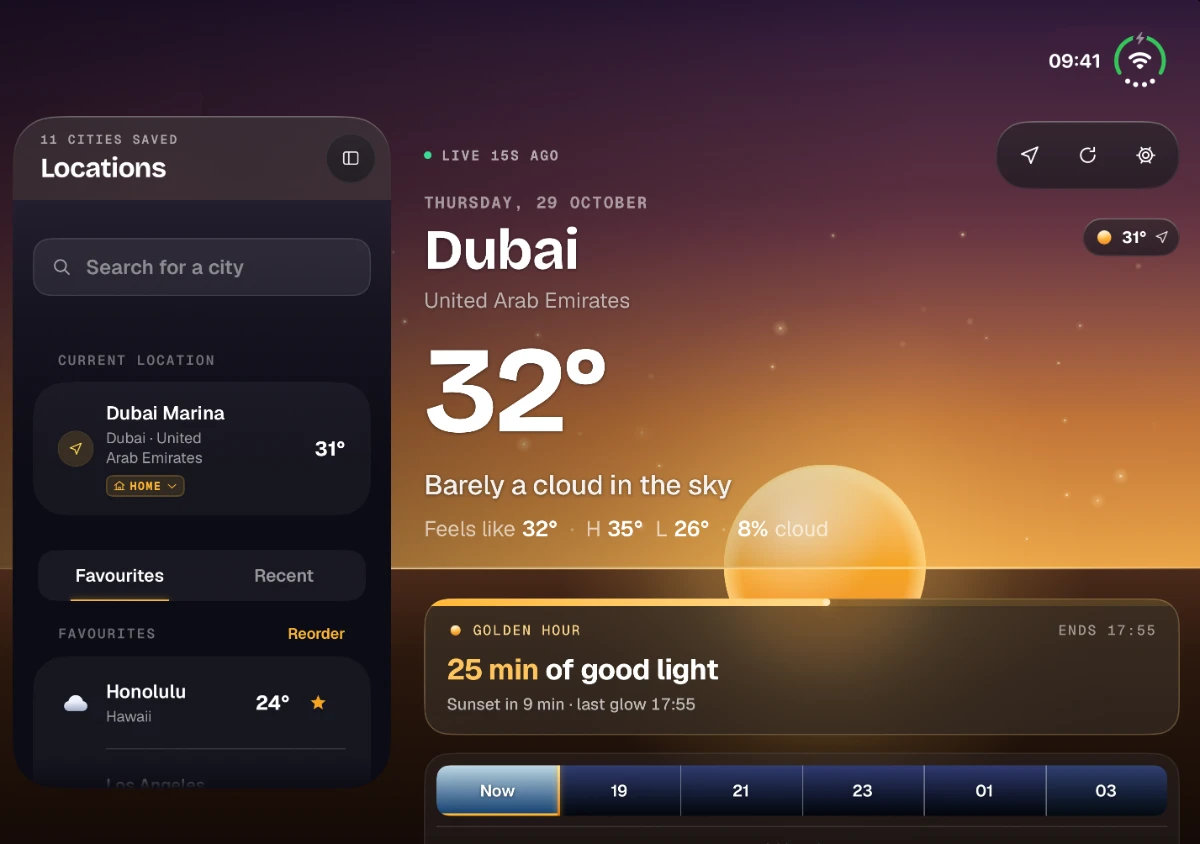
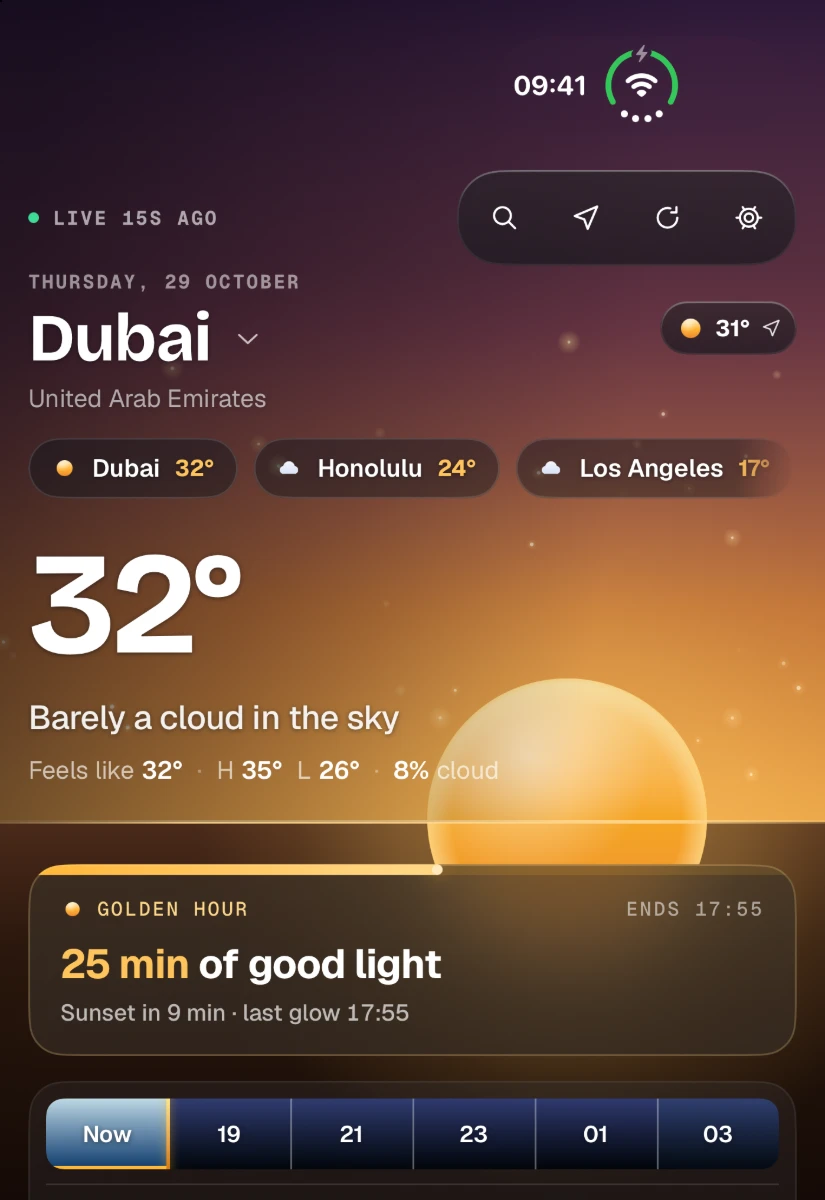
iPhone Duo
Two screens. One sky.
Open it and the horizon runs straight across the fold, with your cities on one side and the forecast on the other. Closed, the outer screen runs the full app on its own.
The film · iPhone Duo
Open, fold, turn, close.
Apple Watch
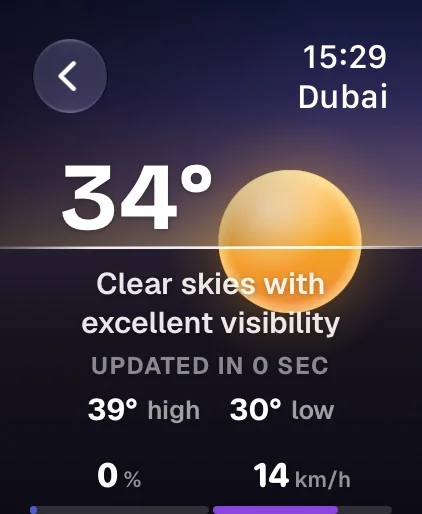
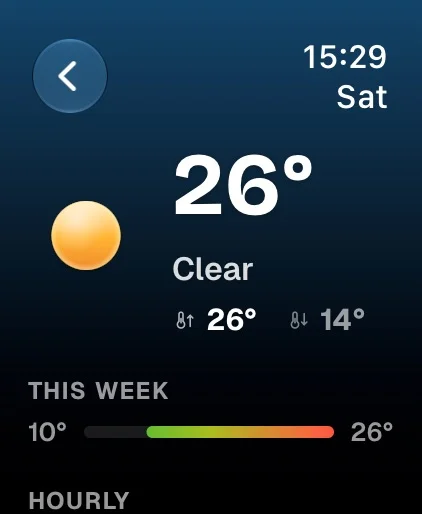
Bigger, because you only get a glance.
The watch isn’t a smaller phone. Type, corners and surfaces all get bigger, because you read it at arm’s length, often in sunlight, often on the move. Only the margins shrink.
- The same readings as iPhone — value, unit and track, two up, on the same colour ramps.
- A horizon whenever there’s a sun or moon to draw — and when there isn’t, the colour of the screen tells you the conditions.
- Today, the week ahead and your favourites, plus complications that put the sky on your watch face, for any place you choose.
- Golden hour in the Smart Stack: a sun card with the horizon, and the golden hour before sunset.
iPad
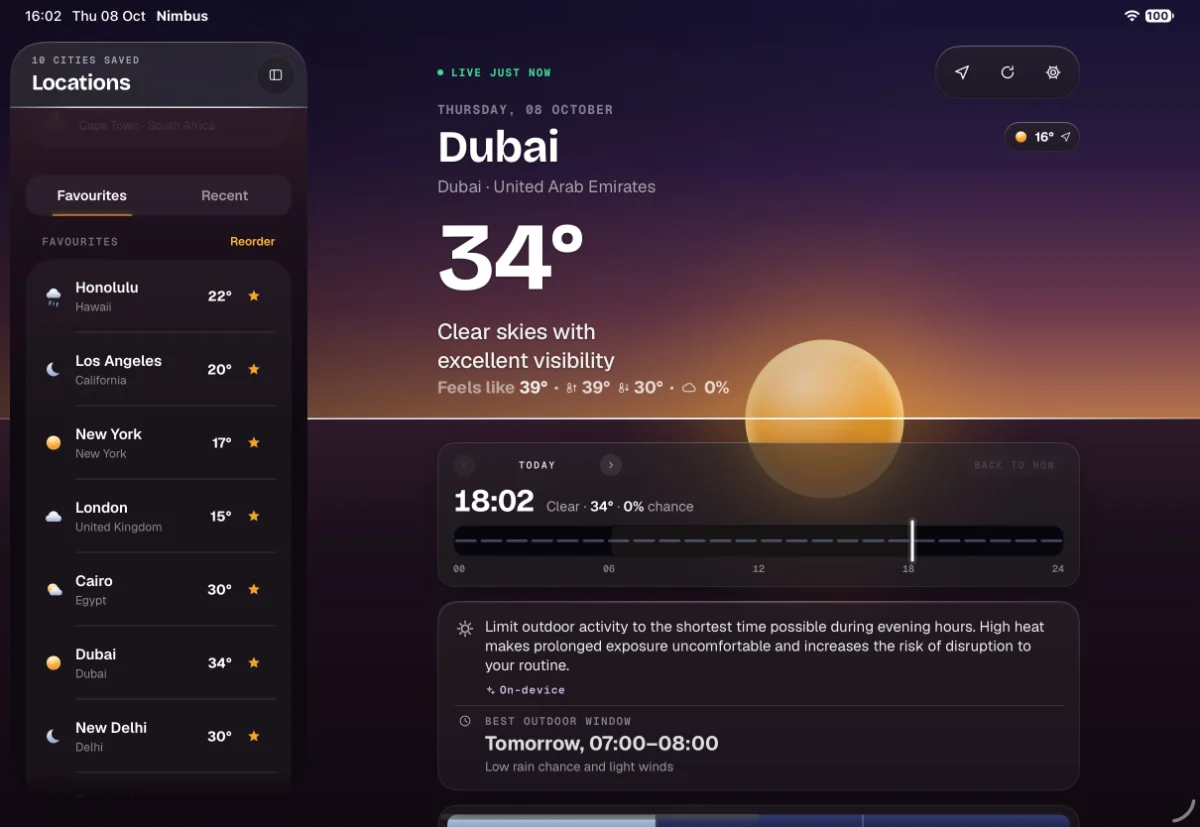
Room for the whole sky.
On iPad, your saved cities sit in a sidebar beside the sky, one tap apart. Hide the sidebar and the forecast fills the screen.
Widgets
The sky, on your Home Screen.
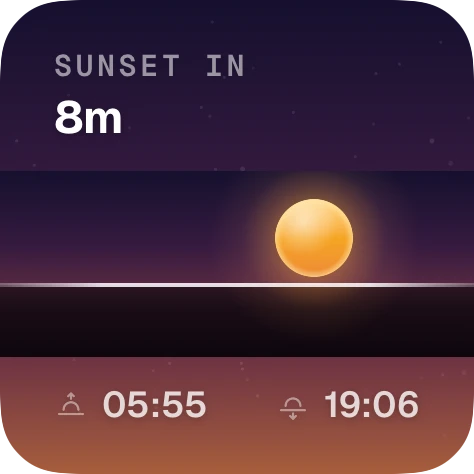
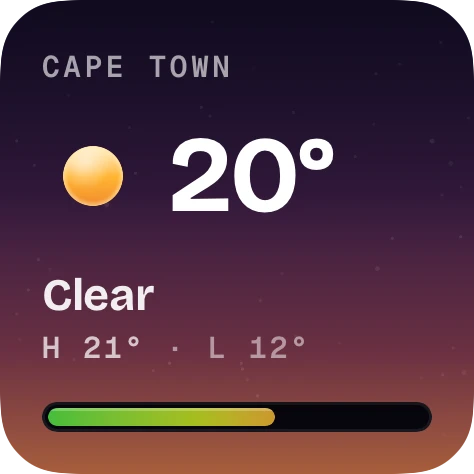
The same horizon as the app, at widget size. The sky changes with the hour and the weather, so you can read the conditions before you read the numbers.
- Sky trend: the hours ahead as colour, with the one you’re in underlined. Tap an hour to read it.
- Sunrise and sunset: a countdown to the next one, with both times beneath it.
- Golden hour: the evening’s best light, when it starts and how long it lasts.
- Your cities: up to ten on one extra-large widget, all on the same temperature scale.


Nimbus Premium
Know when the rain starts, to the quarter hour.
The rain nowcast shows the next two hours in fifteen-minute steps, so you know how long you have and how long it will last.
- Any city, not just where you are, so you can check the one you’re heading to.
- Tap Track and the countdown follows you to the Lock Screen and the Dynamic Island.
- Honest bars: every step is drawn against the same 2 mm ceiling, so light rain looks light.
- Sunrise and sunset, live: a countdown on the Lock Screen and the Dynamic Island, golden hour included, on iPhone and Apple Watch.
- Every app icon, Golden Hour among them, plus most widgets and complications.


The system underneath
Every sky Nimbus drawsis designed by hand.
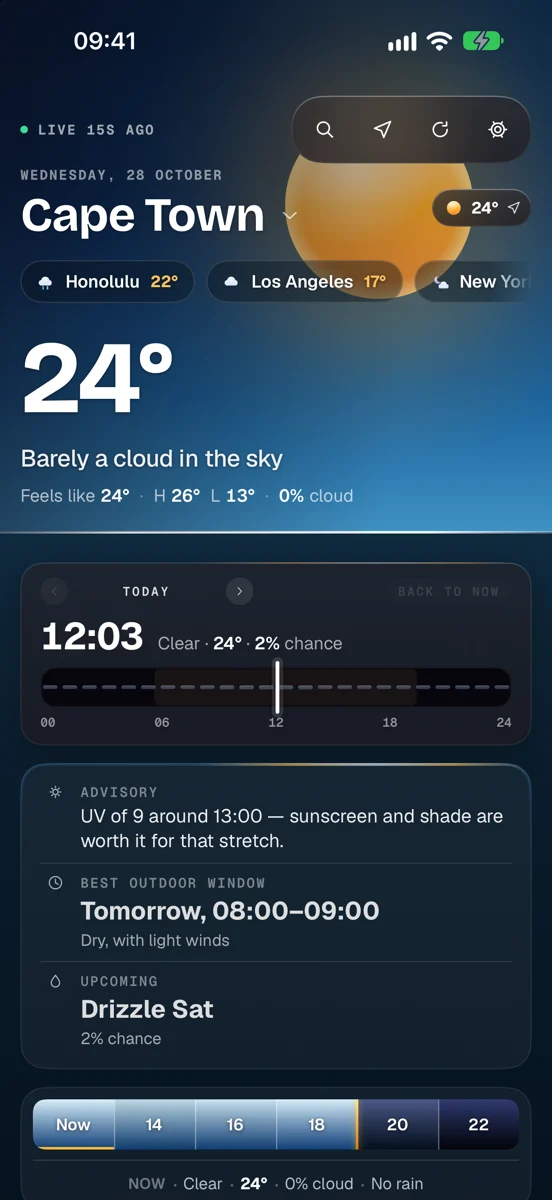
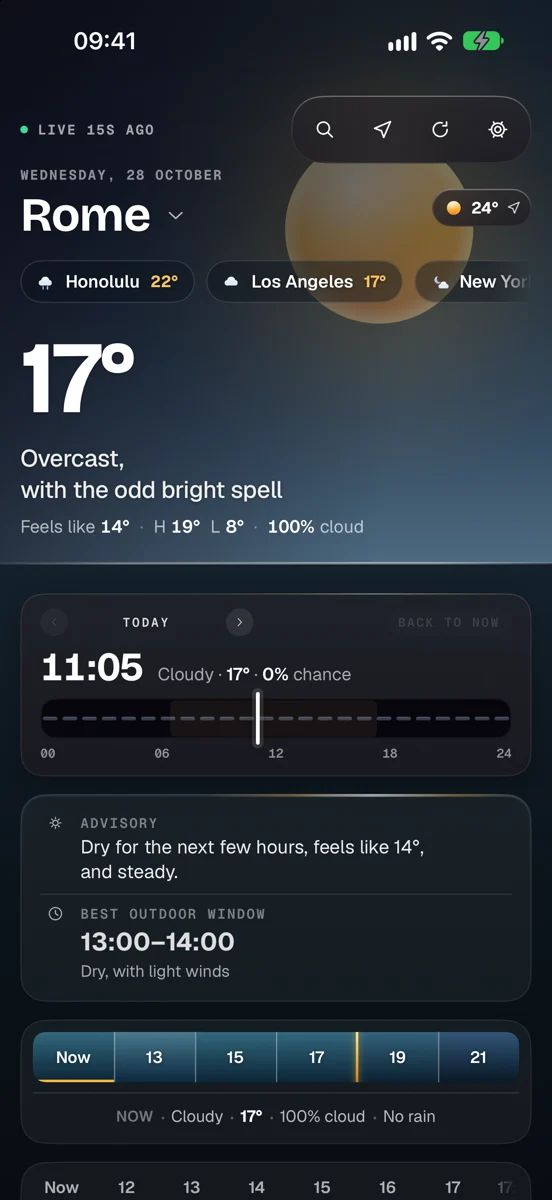
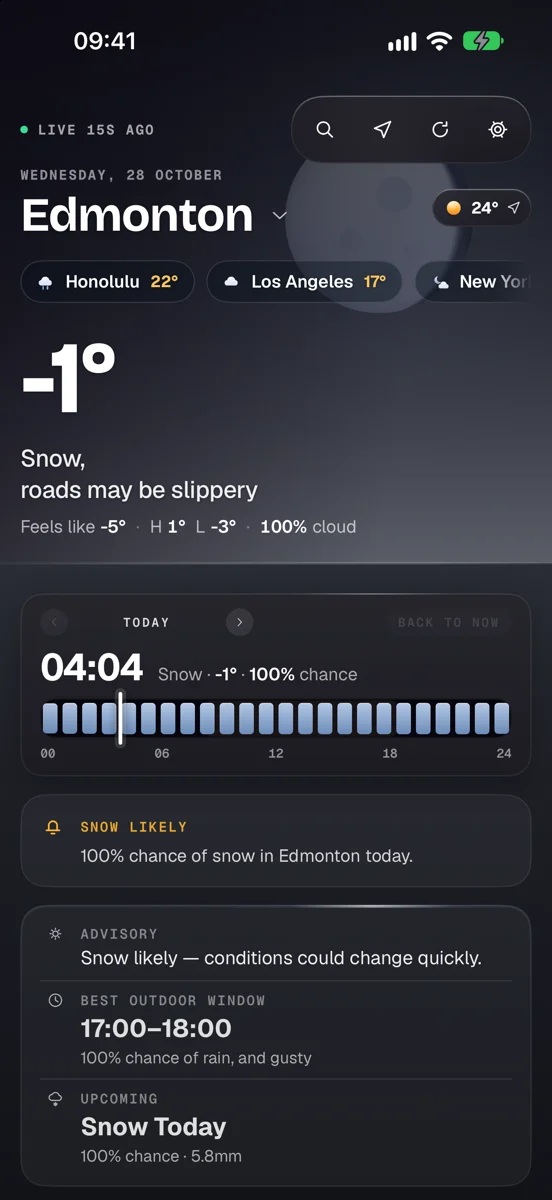
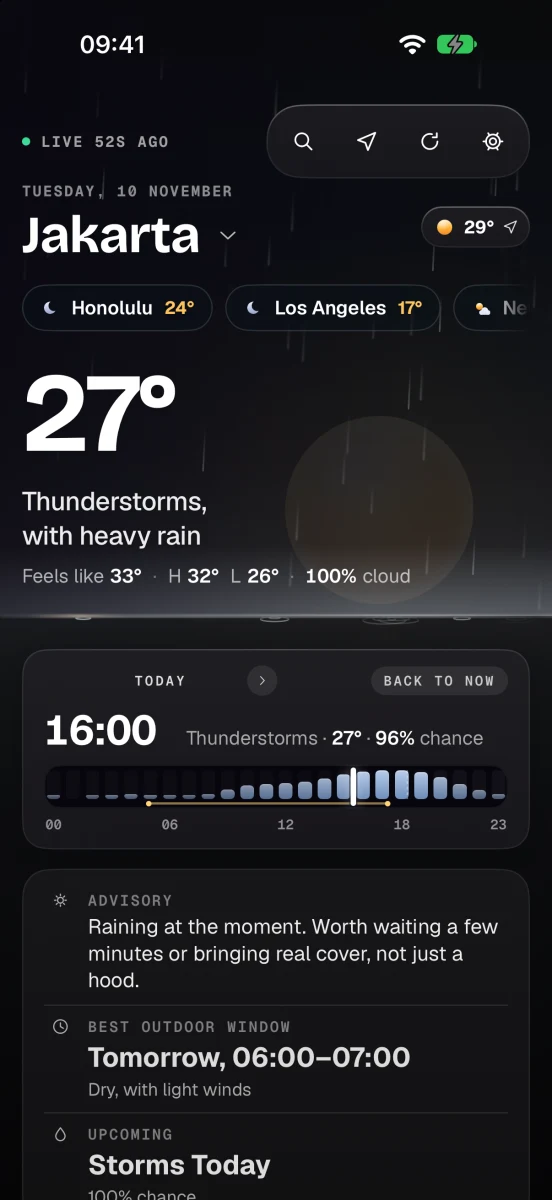
Not a filter over a stock photo. Each one has its own sky, ground, horizon, glow and sun or moon, and Nimbus shows the one that matches the weather outside.
Hand-built skies: seven for the time of day, golden hour among them, four overcast, eight for cloud, rain, snow and storm.
Colour stops on the temperature scale, from −60° to +50°.
Design tokens shared by the app, its widgets and this website.
Every sky
Dawn through storm, day and night.
Real sun and moon
Lit like real spheres, not stickers. The moon shows its true phase, with craters that ghost through the shadow.
Advice for the day Premium
A plain-English note on what the day calls for, plus your best hour to be outside. Worked out privately, on your device.
Ten days and air quality, free
The full ten-day forecast and air quality on iPhone, iPad and Apple Watch, with no subscription. Save up to five cities, or twenty with Premium.
Weather you can see
Rain, snow and storms fall across the sky. On a windy day dust blows in the gusts and the rain leans with it, and a low sun lays a glittering path on the ground.
Golden hour
As the sun goes down, the sky, the hourly strip and your widgets turn gold, and the Golden Hour widget tells you how long the good light lasts, or that tonight is too cloudy for it.
No ads, no tracking
Free to use, with Premium if you want more. No account needed. Your location is rounded to about a kilometre before it leaves your device, and it’s never sold or shared.
Free download · Nimbus Premium from $2.99/month
Look up,then look at Nimbus.
Available for iPhone, iPhone Duo, iPad and Apple Watch. Requires iOS 26, iPadOS 26 or watchOS 26, or later.